Step 1 · Plan
A program in a minute
Answer three questions — your goal, where you train, and how often — and the app picks a ready program. Or build your own.
Plan→Workout
The essentials in one minute
Step 1 · Plan
Answer three questions — your goal, where you train, and how often — and the app picks a ready program. Or build your own.
Step 2 · Start
The Today screen shows which workout is next. One button and your session plan is ready.
Want more structure? Group workouts into a cycle over several weeks.
Step 3 · Workout
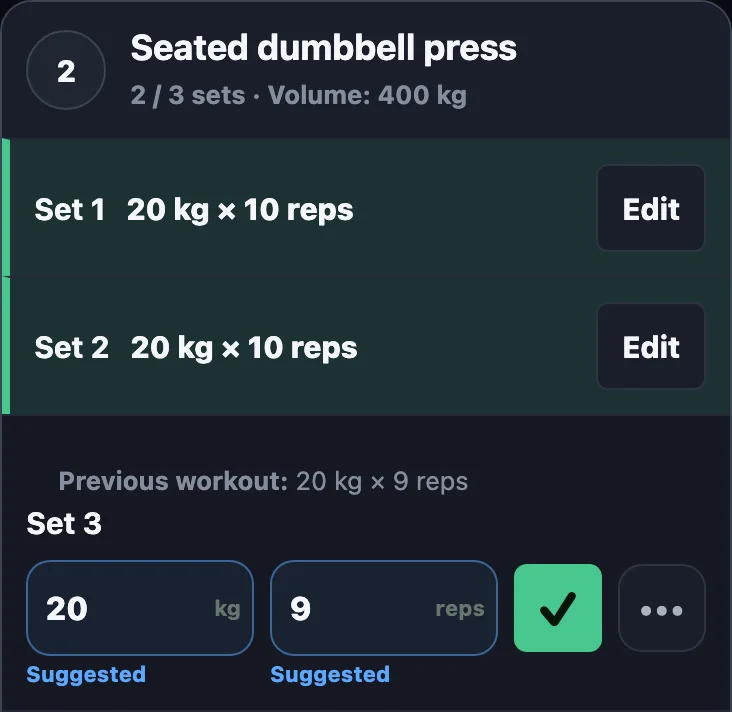
Weight and reps from last time are already filled in. Mark the set done and the rest timer starts.
Step 4 · Progression
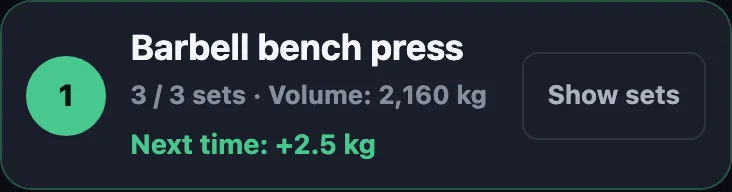
Ready programs have progression switched on: hit the top of the rep range on every set and the app suggests adding weight.
In your own templates, turn it on in the exercise settings: a rep range and a weight step.
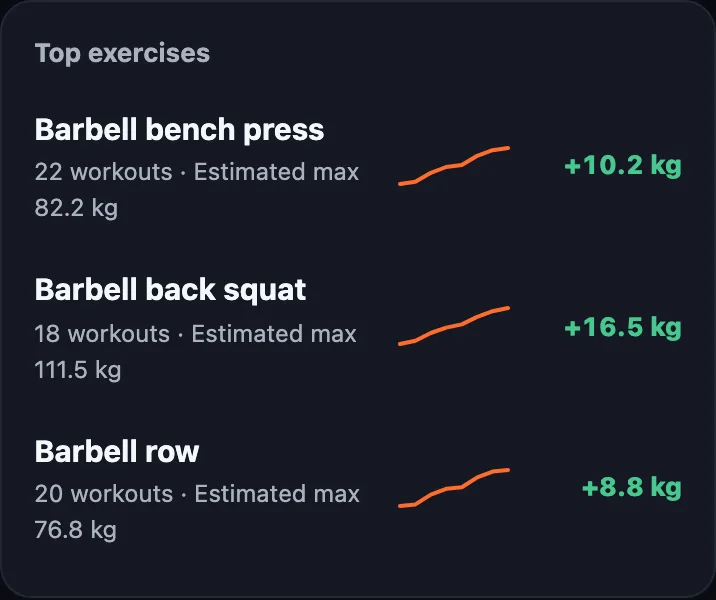
Step 5 · Progress
Weekly volume, a workout calendar, and estimated max for every exercise. Body weight and measurements sit alongside.
Share a workout result by link — with a picture in any messenger.